
Based on cognitive science
Short, focused segments combine visual, interactive and audio supports to strengthen comprehension, recall and retention.

An award winning digital toolkit for teachers and students. More ways to explore, understand and apply Visual Communication Design.
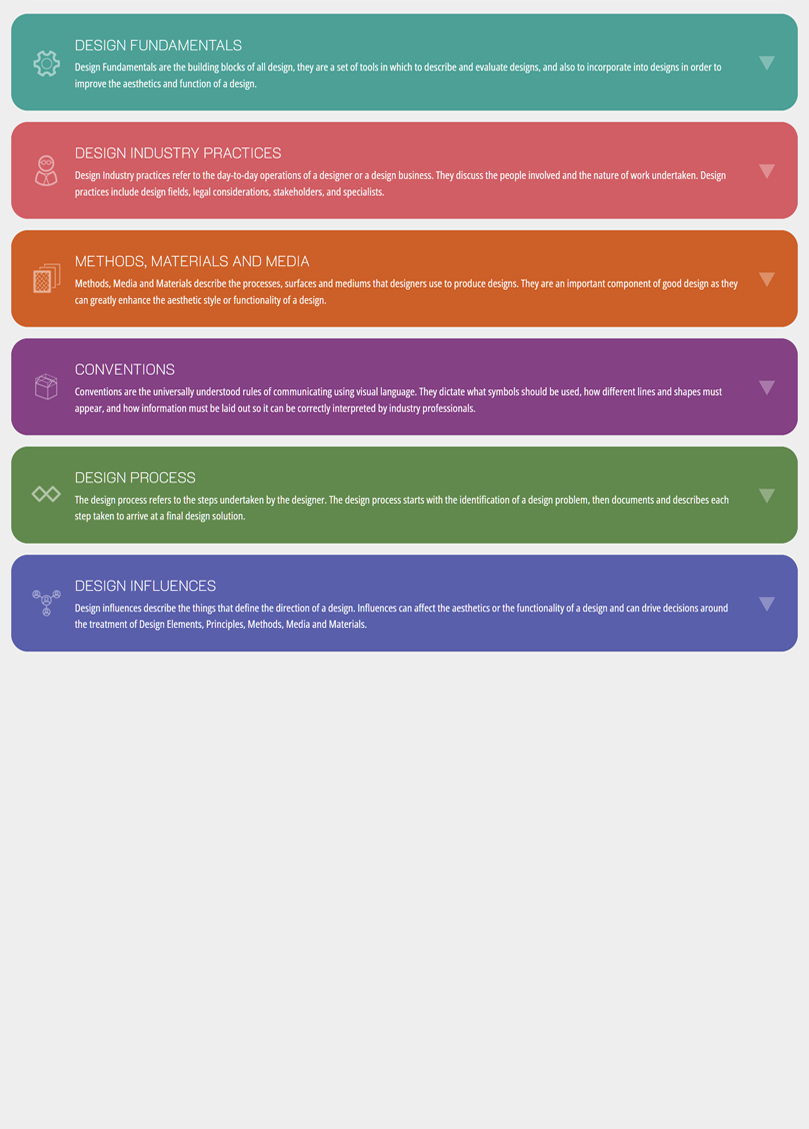

A CheatsheetPro membership brings together high-quality, interactive resources that make teaching Visual Communication Design easier. Classroom-tested and created by subject-area experts, it helps teachers explain key concepts, engage students and prepare them for assessment.
Explore videos, whiteboard presentations, worked examples, games, ExamAI questions and downloadable resources—all in one place. Course guides and assessment support reduce preparation time, while student-friendly explanations help learners revisit concepts and practise independently.
In 2026, more than 200 teachers and 1,500 students across Victoria are using CheatsheetPro—a growing community bringing visual, interactive learning into their classrooms.
Short, focused segments combine visual, interactive and audio supports to strengthen comprehension, recall and retention.

Students use a classroom PIN and initials. No student names or email addresses are required, supporting privacy in school settings.

Developed and reviewed by experienced Visual Communication Design teachers, with checks against the VCAA curriculum.

Scaffolded tasks, multiple entry points and varied ways to learn help students build confidence and independence.
CheatsheetPro is a proud winner of the 2026 Good Design Awards in the Digital Interface Design category. This recognition places CheatsheetPro among some of the world’s best digital interface designs and reflects the platform’s ongoing commitment to using design to improve educational outcomes for students across Victoria.
Discover our award story01 / Interactive worked examples
Example answers break key terms into clear, structured responses. Students can follow how an answer is built, identify the evidence and connect their observations to the question.
Worked example
Describe how two Gestalt principles have been used to communicate to the end user within this interactive experience design. (6 Marks)
02 / Interactive whiteboard presentations
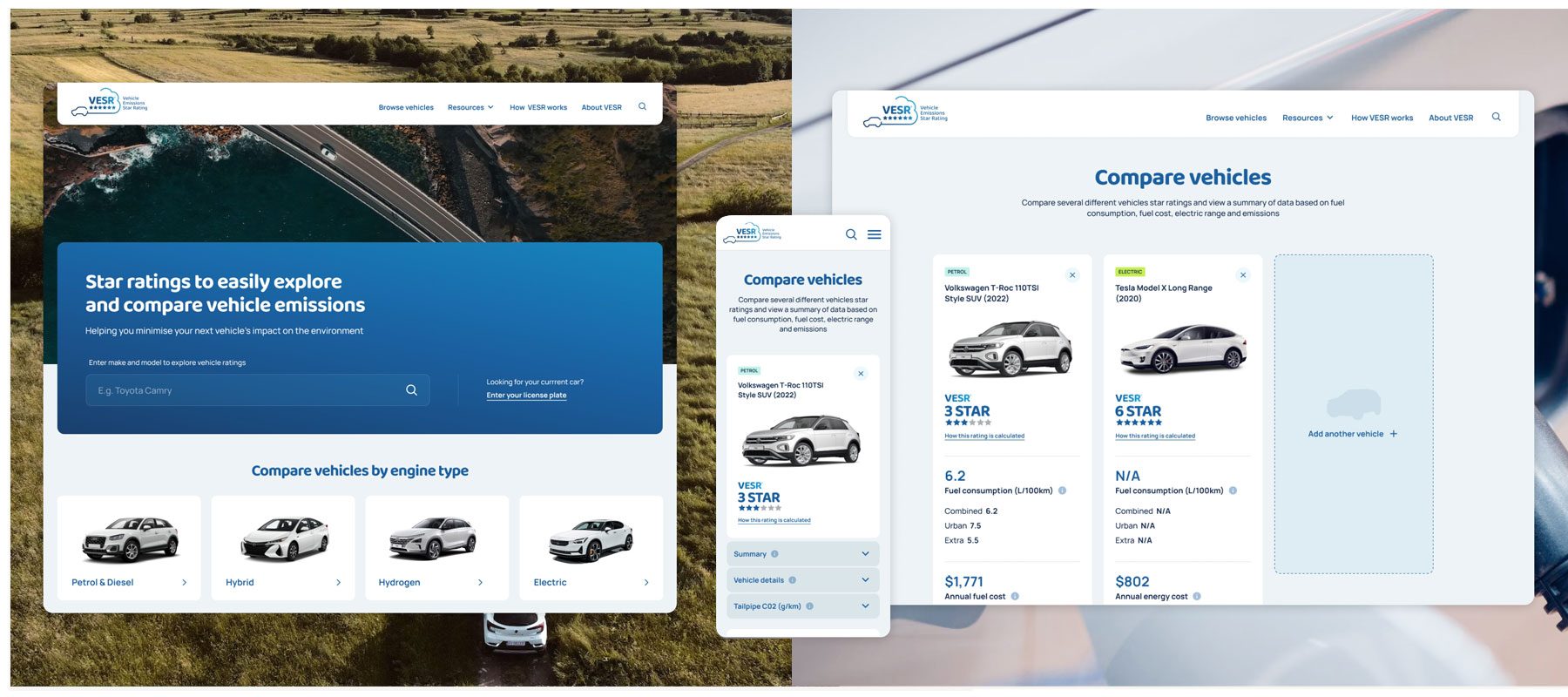
Lead explicit teaching with interactive presentations that bring definitions, examples and practical advice together. Explore each key term with your class, then pause to discuss and apply it.
Try the tabs to explore the design elements.
03 / Detailed explainer videos
Make complex concepts easier to follow with focused video explanations of key study specifications. Visual examples and supporting downloadable PDFs help students revisit ideas at their own pace.
04 / Downloadable teaching resources
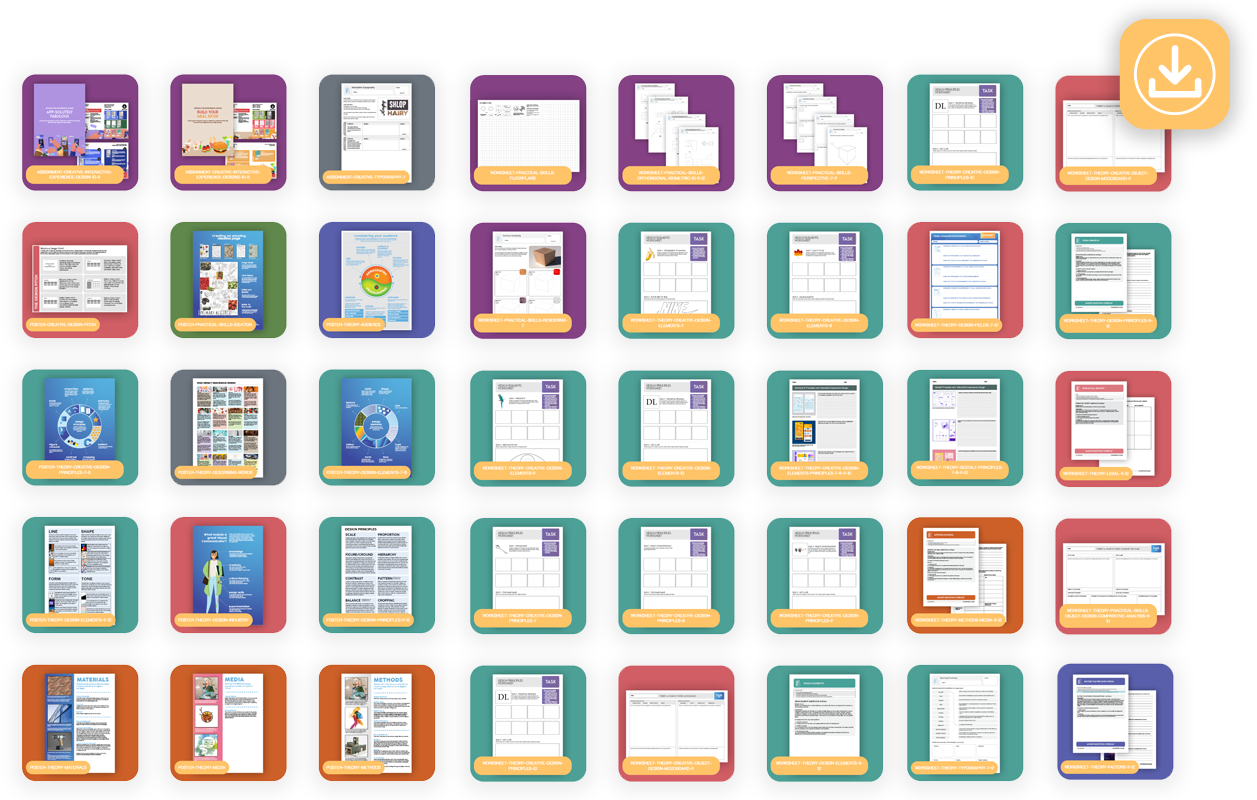
Build your next lesson with worksheets, posters, examples, presentations and assignments, produced and trialled by experienced Visual Communication Design teachers.
05 / ExamAI feedback in real time
Give students feedback on exam-style responses with grading guides, marking breakdowns and suggested improvements. The marking guides have been checked by experienced VCAA examination assessors and Visual Communication Design teachers.
ExamAI uses artificial intelligence. Schools can switch it off to align with their AI policy.
View the Demo06 / Interactive mini design games
Help students recall key Visual Communication Design terms through quick interactive challenges. Use them to revisit learning, start a classroom conversation or challenge students to beat their own times.
07 / Teacher course guides
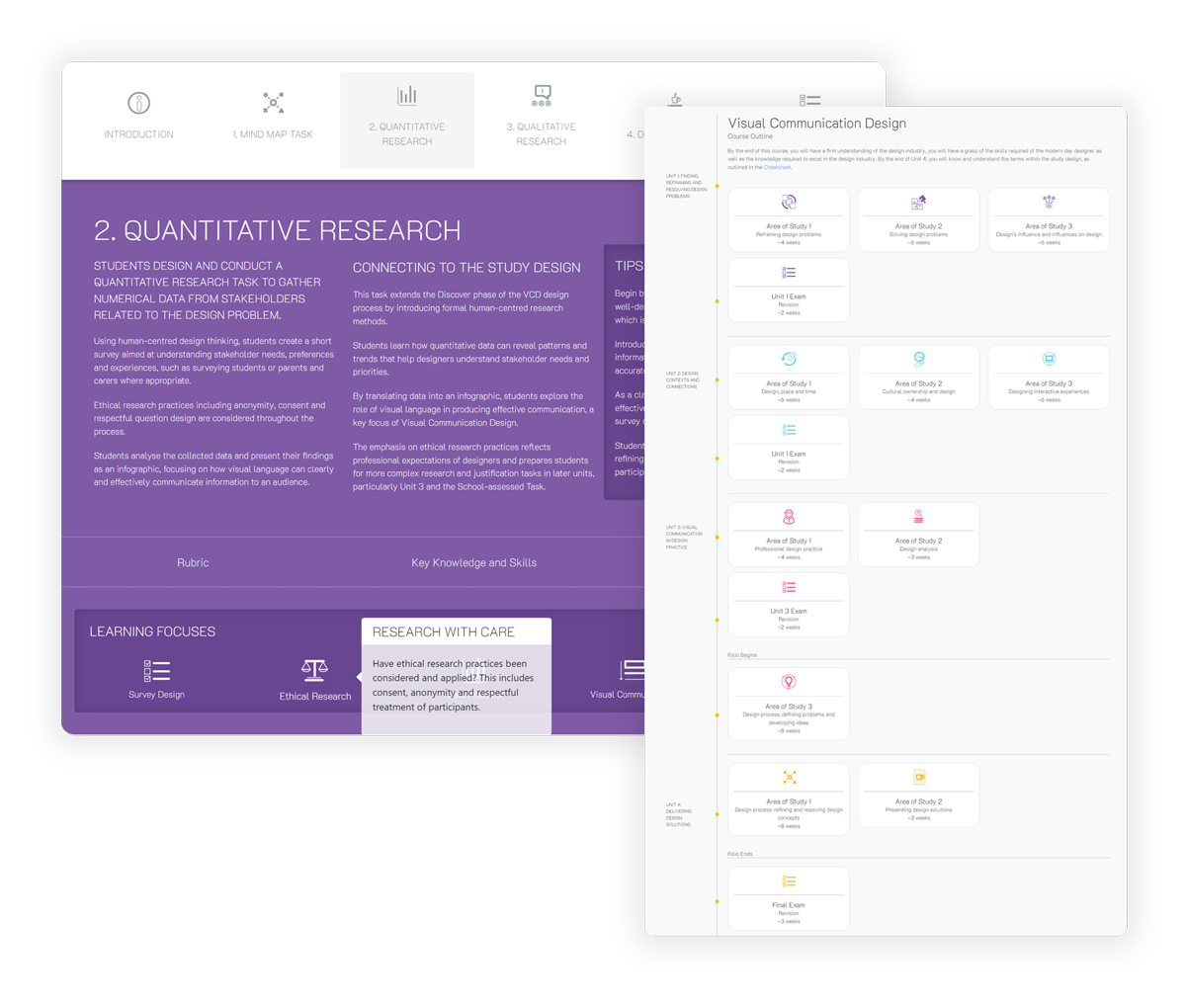
Plan with detailed guides for VCE Visual Communication Design outcomes and exam preparation. Bring together comprehensive rubrics, activities, marking guides, explainer videos and classroom strategies.
08 / VCE Student Resource
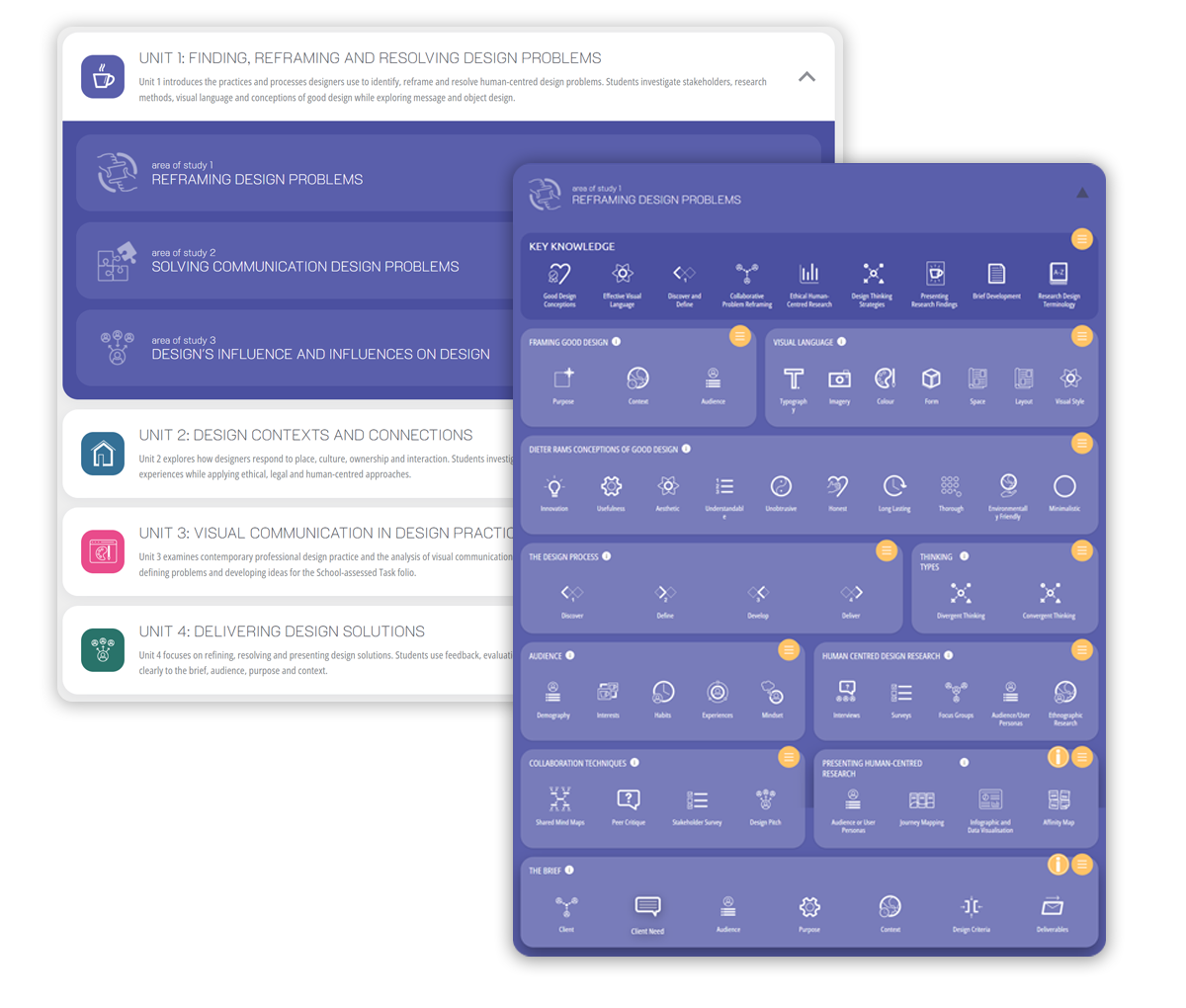
A comprehensive guide to the VCE Visual Communication Design Study Design, covering all key knowledge and key skills. Detailed videos, interactive presentations, worked examples, ExamAI questions and games help students understand concepts, practise their skills and prepare for assessment.
Room for every classroom
Simple, per-device pricing. Choose enough devices for your classes, including any home computers, tablets or phones students will use.
Start exploring
$0
AUD · 7-day trial
5 devices · most features unlocked
Start free trialSchool access
$180
AUD · package total
$6.00 per device
Purchase or Renew MembershipSchool access
$240
AUD · package total
$4.00 per device
Purchase or Renew MembershipSchool access
$320
AUD · package total
Approximately $2.67 per device
Purchase or Renew MembershipSchool access
$550
AUD · package total
$1.10 per device
Purchase or Renew MembershipSchool access
$1,600
AUD · package total
$0.80 per device
Purchase or Renew MembershipPay securely by credit card through Stripe, or use a school purchase order with an invoice payable within 14 days.
Home computers and phones count towards your device allowance. Need help with a school order?